
The client secret code is used along with the embed code to track the customers’ data securely to use the collected data in order to calculate a score for each customer.
Steps to find the client secret code on EchoRivo #
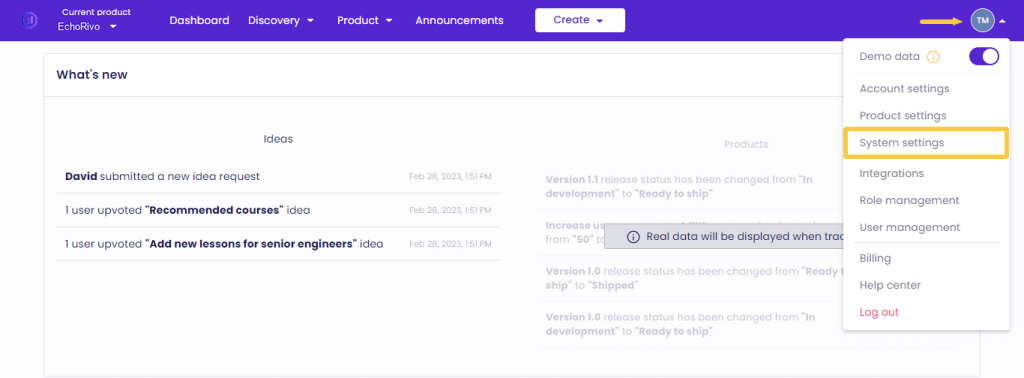
From your EchoRivo Dashboard open the Settings tab and click System settings.
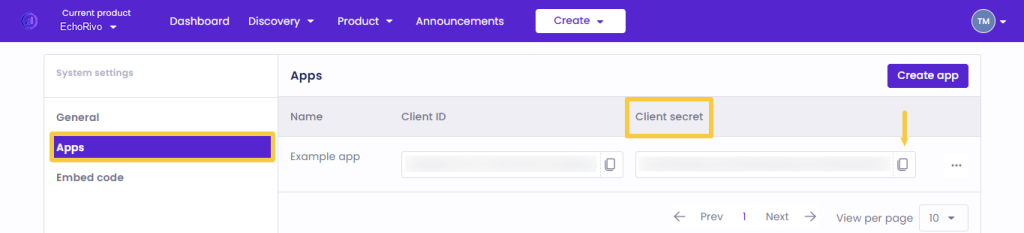
Choose Apps from the list and copy the client secret code.
That’s it. Use the code to hash it with the code given in this article to create a signature so EchoRivo can securely track data from your website.